 Dubilook™
Dubai, UAE
Dubilook™
Dubai, UAE
Dubilook™
Dubai, UAE
Dubilook™
Dubai, UAE
For the beginning, please add the people from your contact list to Dubilook™.

Start by adding the people already in your contact list:
Takes less than a minute
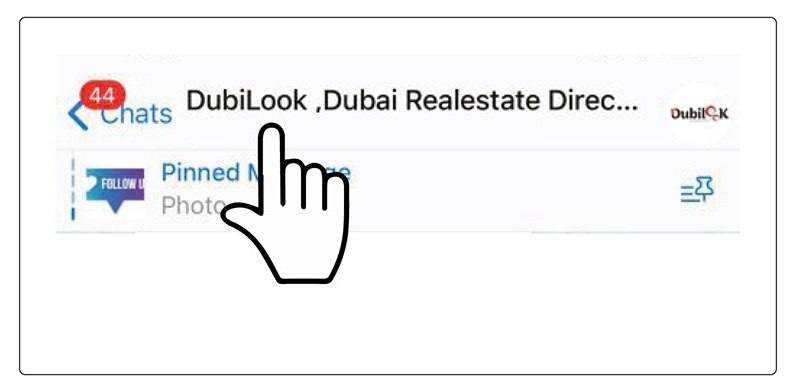
Click on the top title of the Dubilook™ Group.
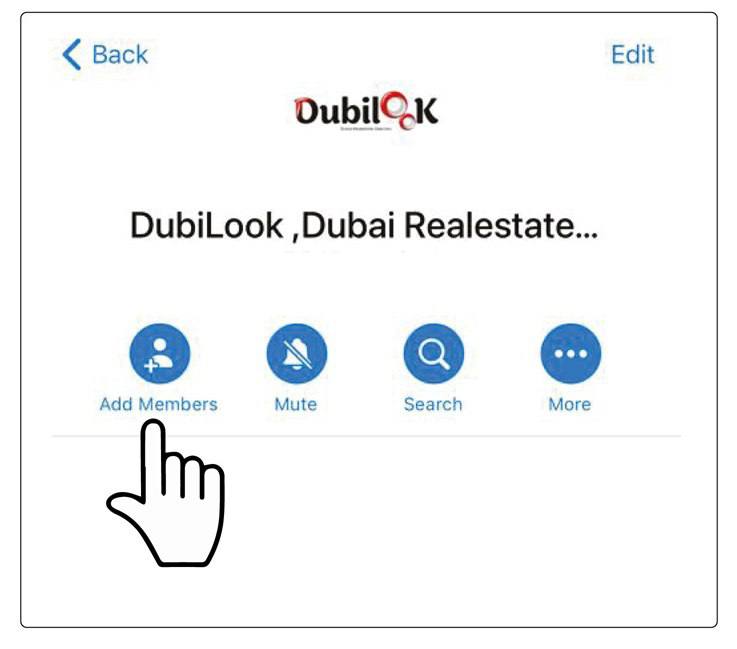
Click on "Add Members".
Select multiple names from your contact list to add them to the group.
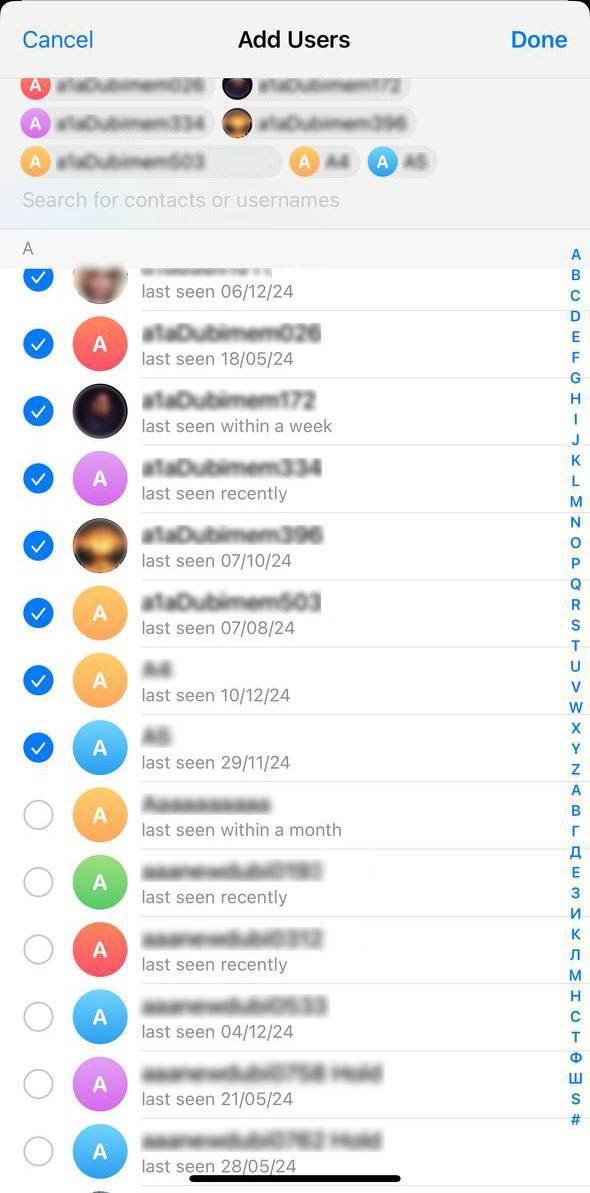
Please wait 30 seconds to complete this function for your account.